View & Edit Document
How to View and Edit documents?
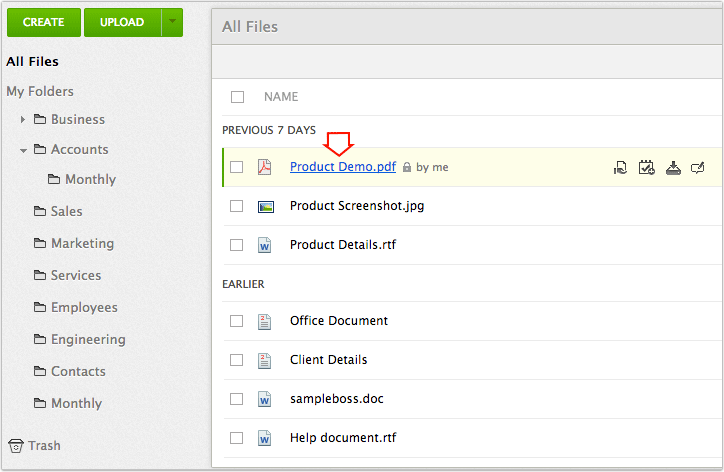
Zoho Docs lets you view and edit your documents with a click. Sometimes when you have a lot of documents with similar names you might want to view the document to see if that is the one your looking for. By viewing a document you will be able to know if that is the right document and if required you can edit it.
To view a document:
-
Right click on the document you want to view
-
From the drop down menu click on Open
-
A view only version of the document will open with links to Edit the document and a Print Preview
To edit a document:
-
Click on the document you want to edit (or) right click on the document and select Open in New Window from the dop down menu
-
The document opens in a new tab in your browser
-
Make the changes to the document and click on Save
-
The changes will be implemented
-
In your document list you will be able to see the day the document was modified last
-
|
Affordable document management solution for businessesEnterprise level plans starting at just $3 /month
Sign up now!1GB Free Space